Every smart home problem that is not a device problem is a network problem. Doorbells that drop out, cameras that buffer, thermostats that go offline — nine times in ten the device is fine and the Wi-Fi at that spot is not.
Why you have dead zones
- Distance. Signal falls off fast, and the router is usually wherever the cable comes into the house rather than anywhere sensible.
- Walls and materials. Brick, plaster and lath, foil-backed insulation, tile, mirrors, and anything metal all attenuate signal badly. Older Newnan homes with plaster walls are noticeably worse than newer drywall construction.
- Router placement. In a cabinet, in a closet, on the floor, in a corner of the basement — all common, all bad.
- Interference from microwaves, cordless phones and neighbouring networks on the same channel.
- Too many devices. A house with forty connected things asks more of a router than one with six.
- Old hardware. A router supplied years ago by the ISP is often the whole problem.
Do the free things first
- 1Move the router. Central, elevated, out in the open. Not in a cabinet, not behind the TV, not on the floor. This alone fixes a lot of houses.
- 2Reboot it, and while you are there check for firmware updates.
- 3Separate the bands if your router lumps 2.4 and 5 GHz under one name. Many smart devices only join 2.4 GHz and will fail to connect on a merged network — this is an extremely common cause of 'the doorbell will not set up'.
- 4Change the channel if you are in a dense neighbourhood.
- 5Check how old the router is. Beyond about five years, replacement is usually the cheapest real improvement.
Extenders: why they disappoint
A range extender receives Wi-Fi and rebroadcasts it. Cheap, easy, and limited:
- It halves throughput on the extended segment, because the same radio is receiving and retransmitting.
- It usually creates a second network name, so devices cling to the weak original signal instead of switching.
- It amplifies a weak signal. If the signal reaching the extender is poor, everything downstream of it is poor.
- It adds latency.
Extenders make sense for one stubborn corner where you just need a laptop to work. They are not a whole-house solution and buying three of them is a false economy.
Mesh systems
Multiple units working as a single network with one name. Devices hand off between nodes as you move, and the system routes traffic intelligently.
- Seamless roaming — no manually switching networks.
- Better coverage than a single router plus extenders.
- Managed as one system with a single app.
- Easy to add nodes later.
The important variable is backhaul — how the nodes talk to each other:
- Wireless backhaul is the default and it shares bandwidth with your devices.
- Dedicated wireless backhaul (tri-band) gives the nodes their own radio and performs noticeably better.
- Wired backhaul — connecting nodes with Ethernet — is dramatically better than any wireless option and it is the single biggest upgrade available.
Run cable where you can
This is the unglamorous answer that beats everything. A single Ethernet run to a mesh node at the far end of the house, or to an access point in the attic, transforms coverage in a way no wireless solution matches.
Places it is easier than people think:
- Through an attic to a ceiling-mounted access point — often the best solution in a single-storey Georgia house.
- Through a crawlspace to the opposite end of the house.
- Alongside existing coax runs.
- Into a garage or a detached structure.
- MoCA adapters turn existing coax cable into a wired network link, which is a genuinely useful option in homes wired for cable TV.
Anything stationary and bandwidth-hungry — TVs, game consoles, desktops, NVRs — should be wired regardless. Every device you take off Wi-Fi improves it for everything left on it.
Coverage for smart devices specifically
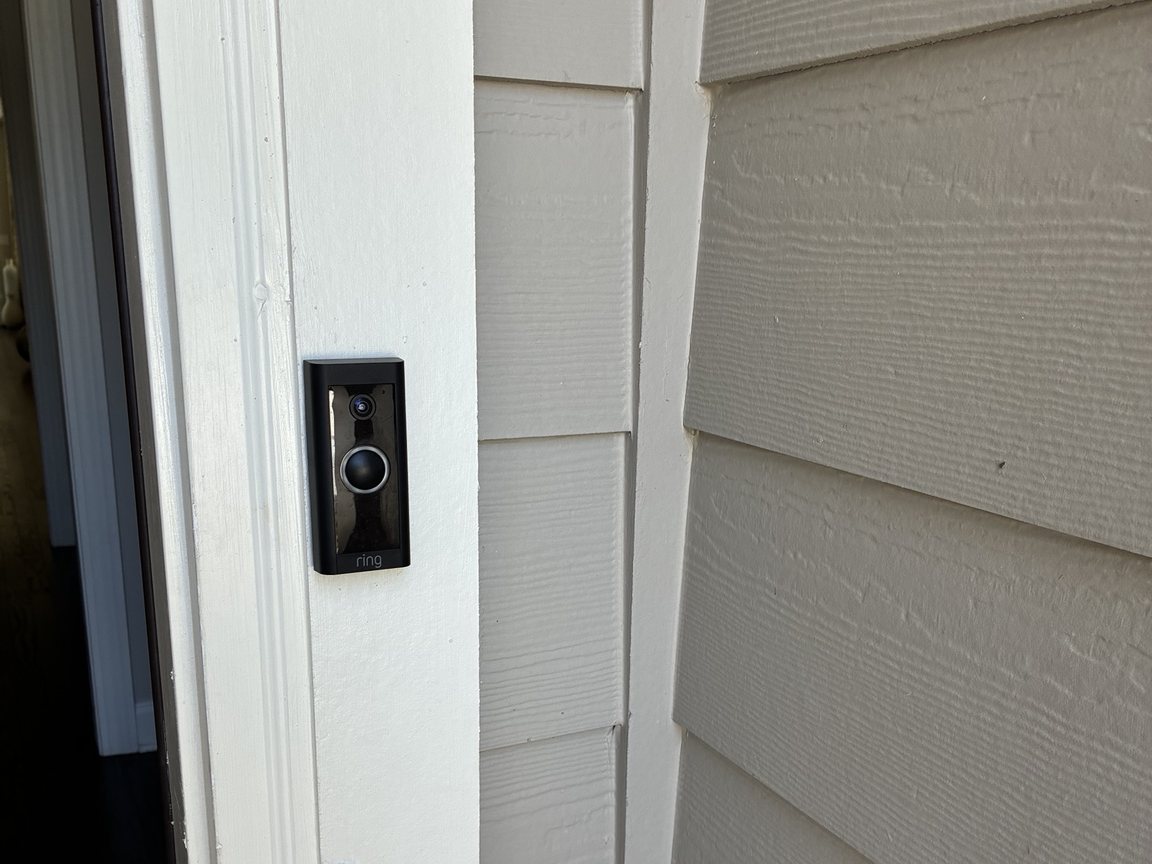
- Doorbells and exterior cameras sit outside the building envelope, which is where signal is weakest. Plan for coverage at the front door and at the corners of the house.
- Detached garages and sheds essentially always need their own access point or a wired link.
- 2.4 GHz reaches further than 5 GHz, which is why most smart devices use it — but it is also the more congested band.
- Thread and Zigbee devices use their own low-power mesh and do not load your Wi-Fi at all, which is worth knowing when planning a large install.
Get coverage sorted first
If smart devices keep dropping offline, fix the network before buying more devices. Wright Way Services handles smart home installs and the wiring behind them across Newnan, Coweta County and Fayette County. Call (770) 301-4638.
Open 24 hours · Newnan, GA
Want a hand with this one?
Wright Way Services handles it all in one call — plumbing, remodeling, smart home installs and the whole punch list. Serving Newnan, Coweta County and the surrounding area.